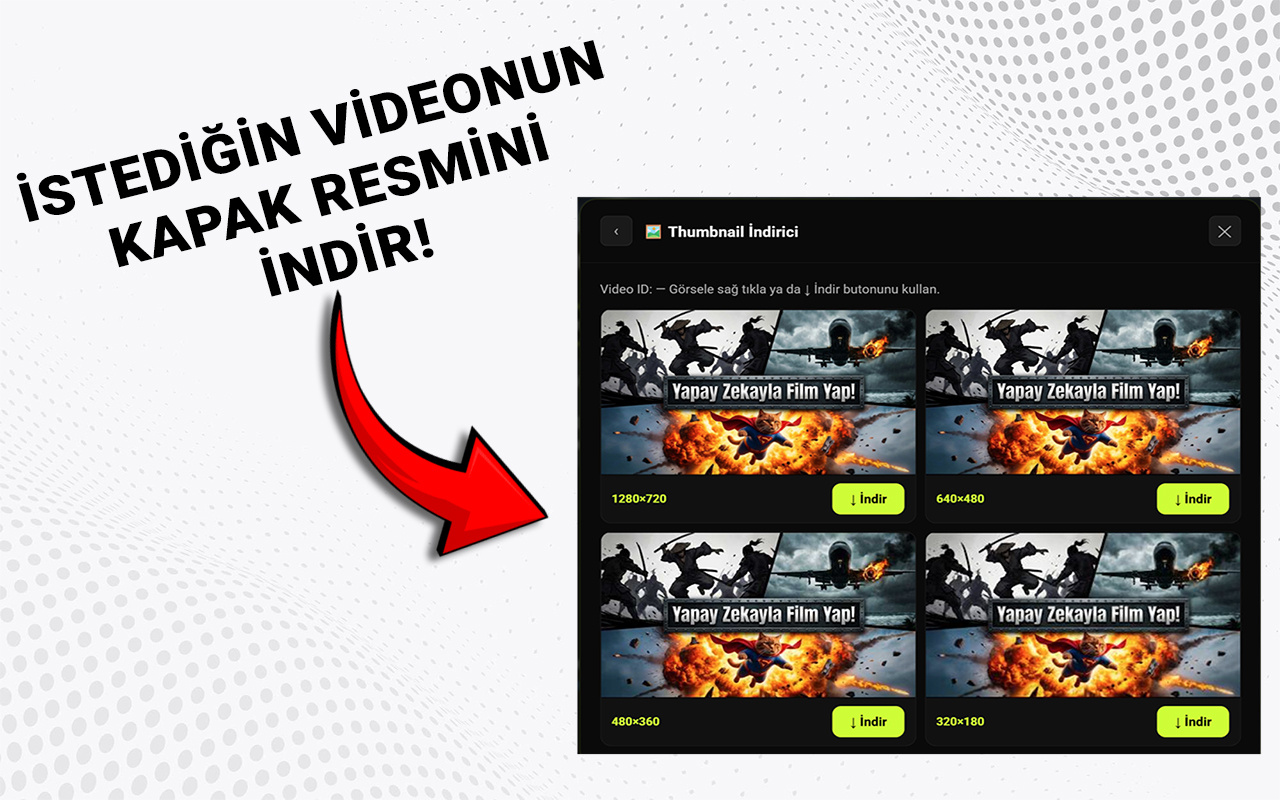
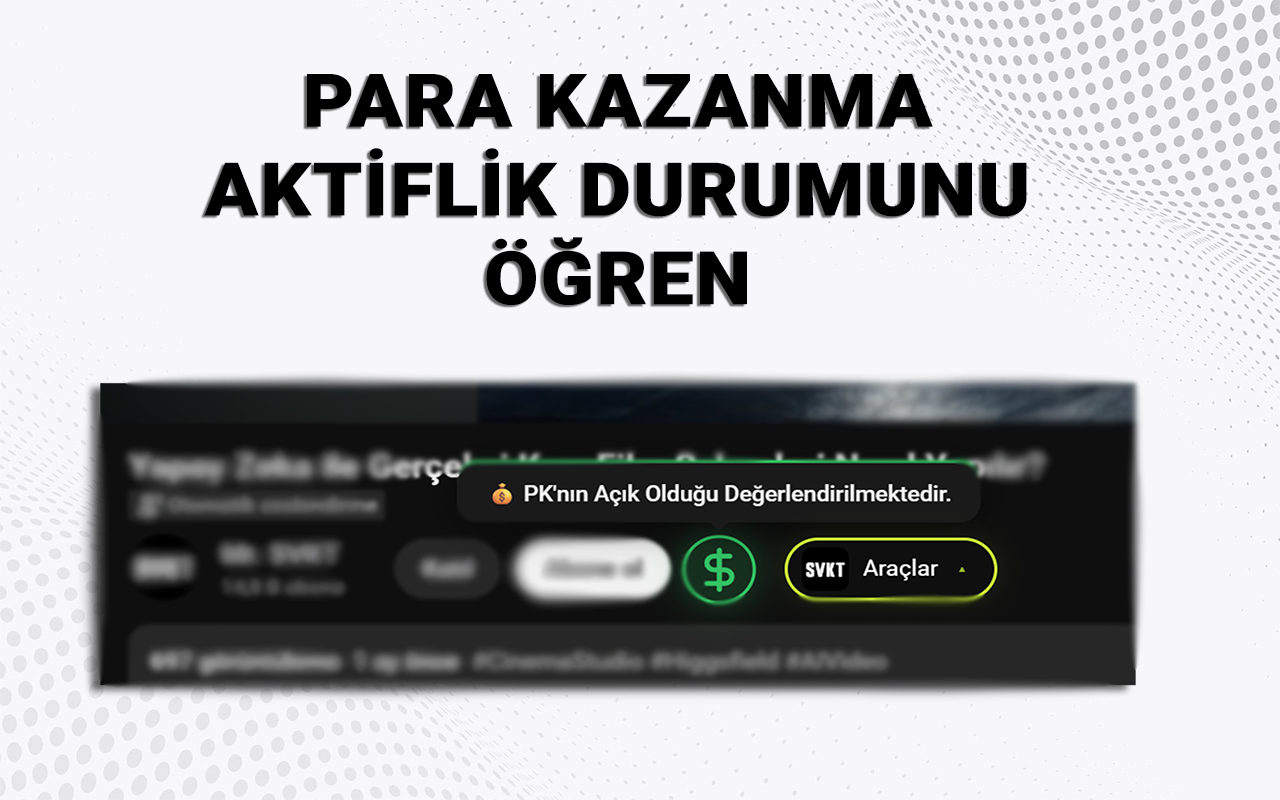
SVKT gives you deep insights into your channel performance, video analytics, and competitor research — all inside YouTube and YouTube Studio.
Packed into a lightweight Chrome extension that works directly inside YouTube and YouTube Studio.
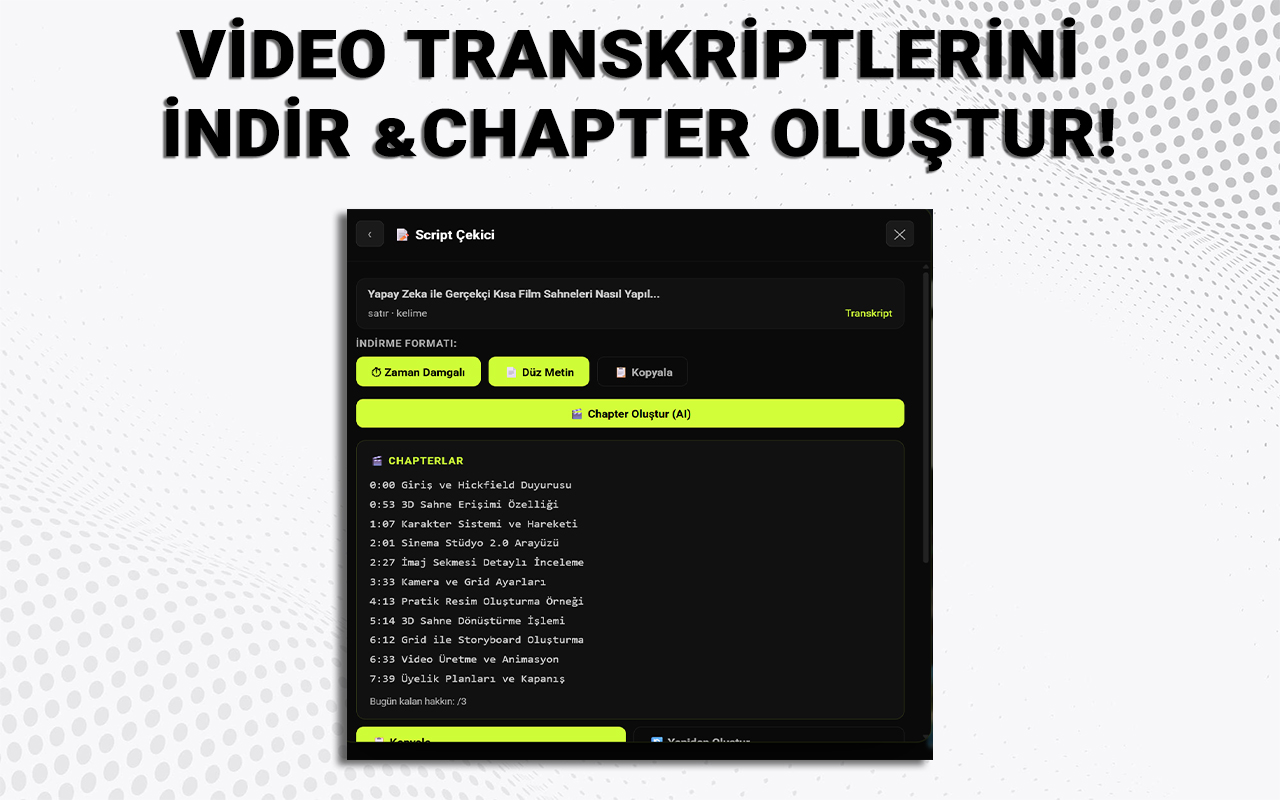
Automatically generate YouTube chapters from your video's transcript using AI. Save hours of manual work.
See your subscriber count, monthly views, watch time, and net subscriber gain directly in the YouTube top bar.
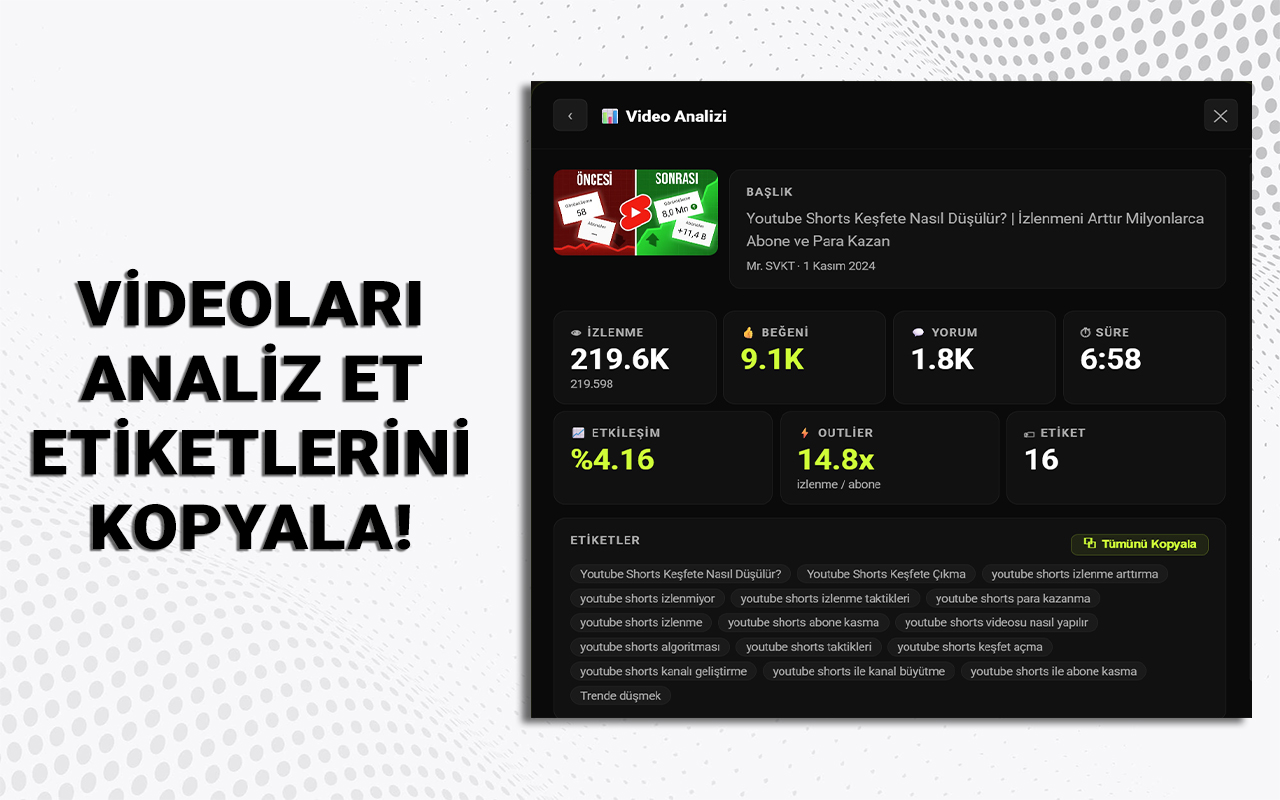
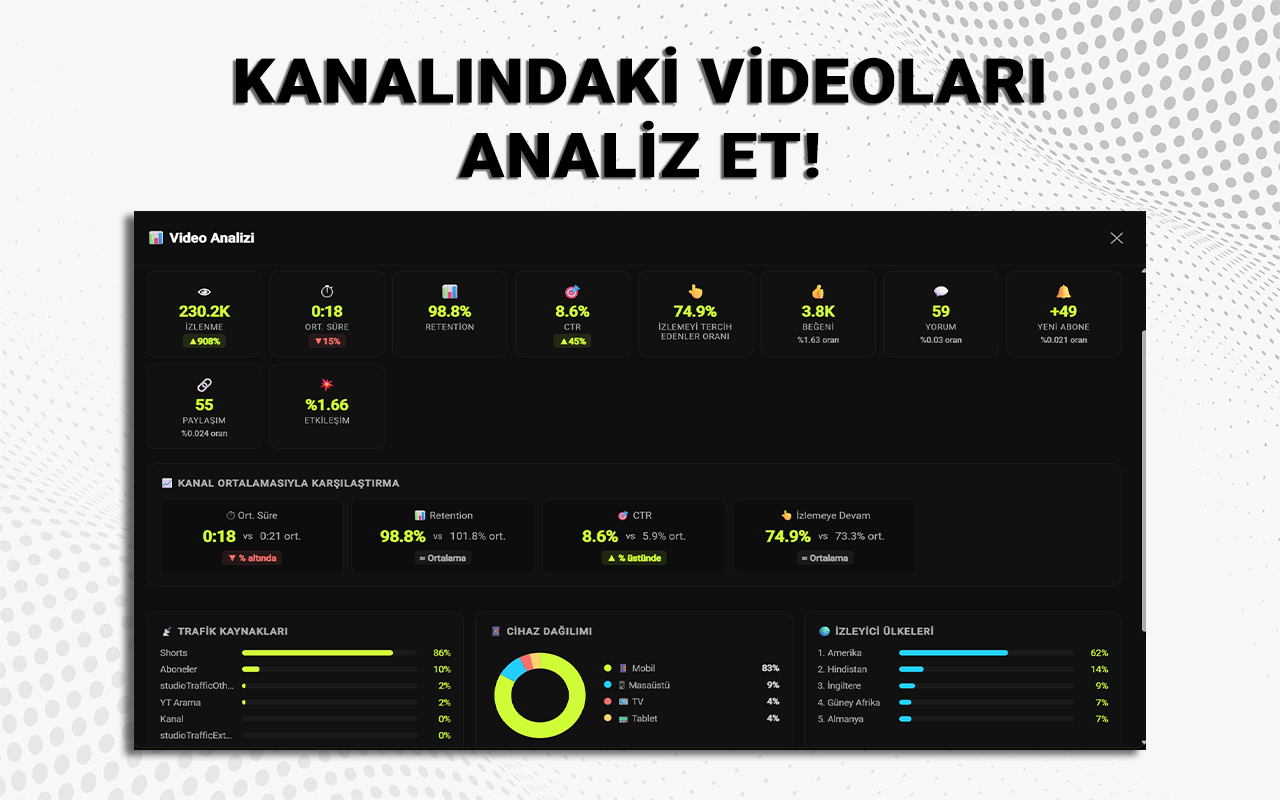
Deep per-video analytics: watch time, average view duration, traffic sources, device breakdown, and audience demographics.
28-day overview of your channel: views, watch time, subscriber changes, traffic sources, and top viewer countries.
Analyze any YouTube channel. See subscriber count, total views, channel age, upload frequency, and channel keywords.
Upload date display, scroll tracking, and additional insights for YouTube Shorts — all in one place.
When you sign in with Google, we request only the permissions we actually need. Here is exactly what each permission is used for — nothing more.
We read your name, email address, and profile photo to display them in the account section of the extension. This is also used to create and manage your SVKT account.
We read your channel information to power these features:
We read your analytics data to show you:
All API calls are made directly from your browser to Google. We never store, sell, or share your YouTube data. Access is read-only — we never modify anything on your channel. You can revoke access at any time from your Google Account settings.
Add SVKT to Chrome from the Chrome Web Store. It's free and takes less than 30 seconds.
Connect your YouTube channel with Google. We request only read-only access — nothing is ever modified on your account.
Open YouTube or YouTube Studio and access all tools directly inside the page.